Google Chrome
Safe, fast, and reliable browsing with Google Chrome

Safe & Secure
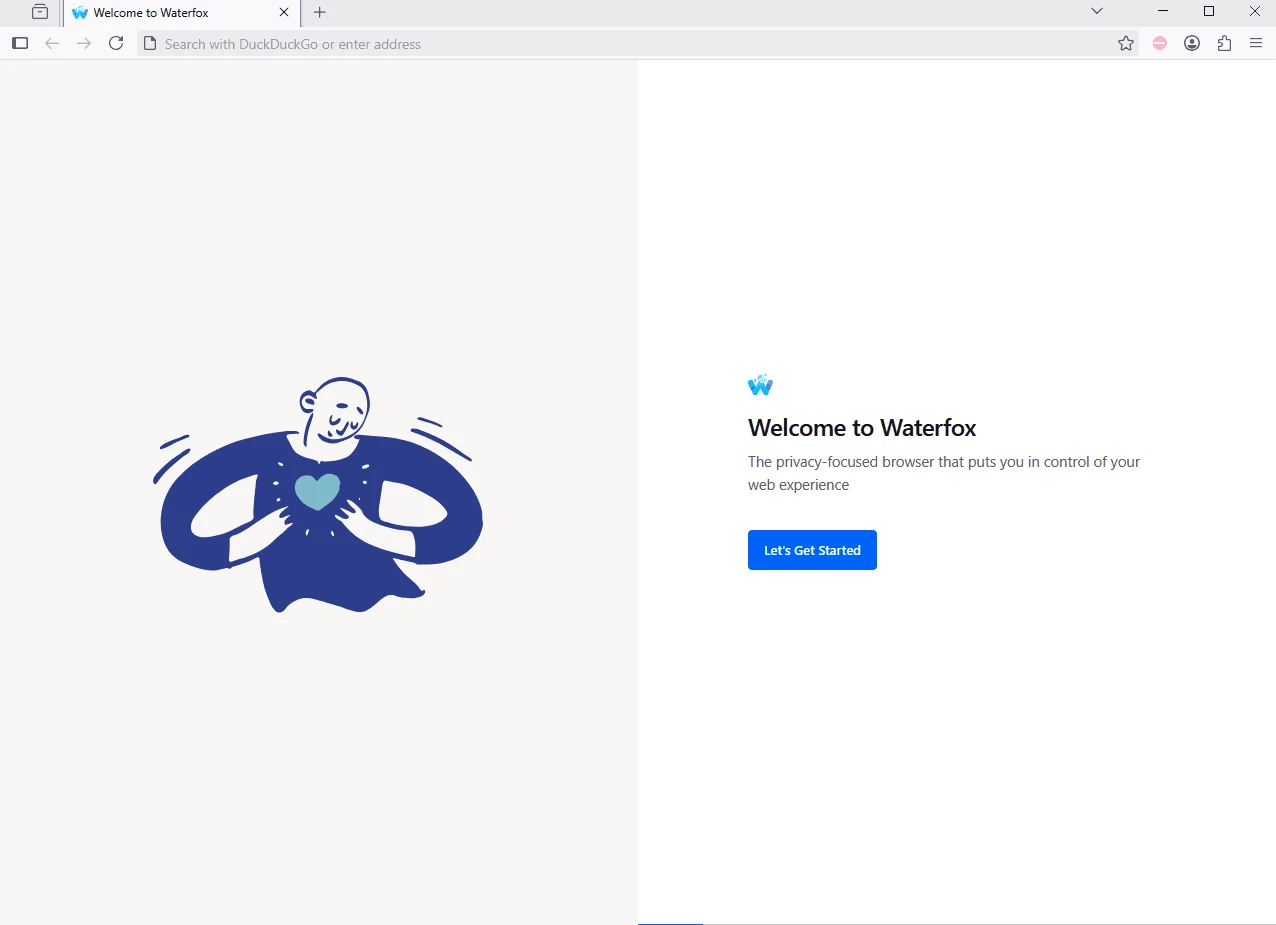
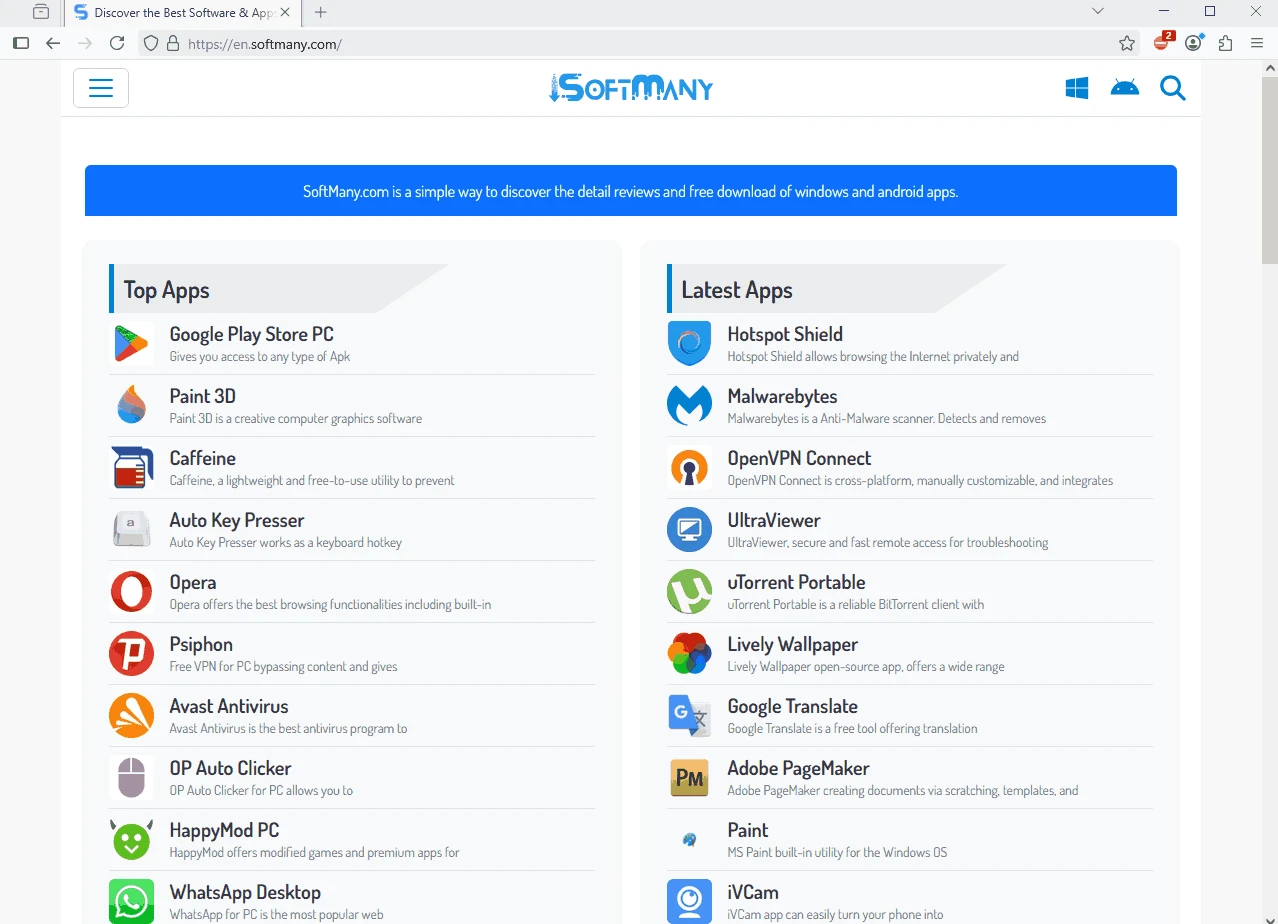
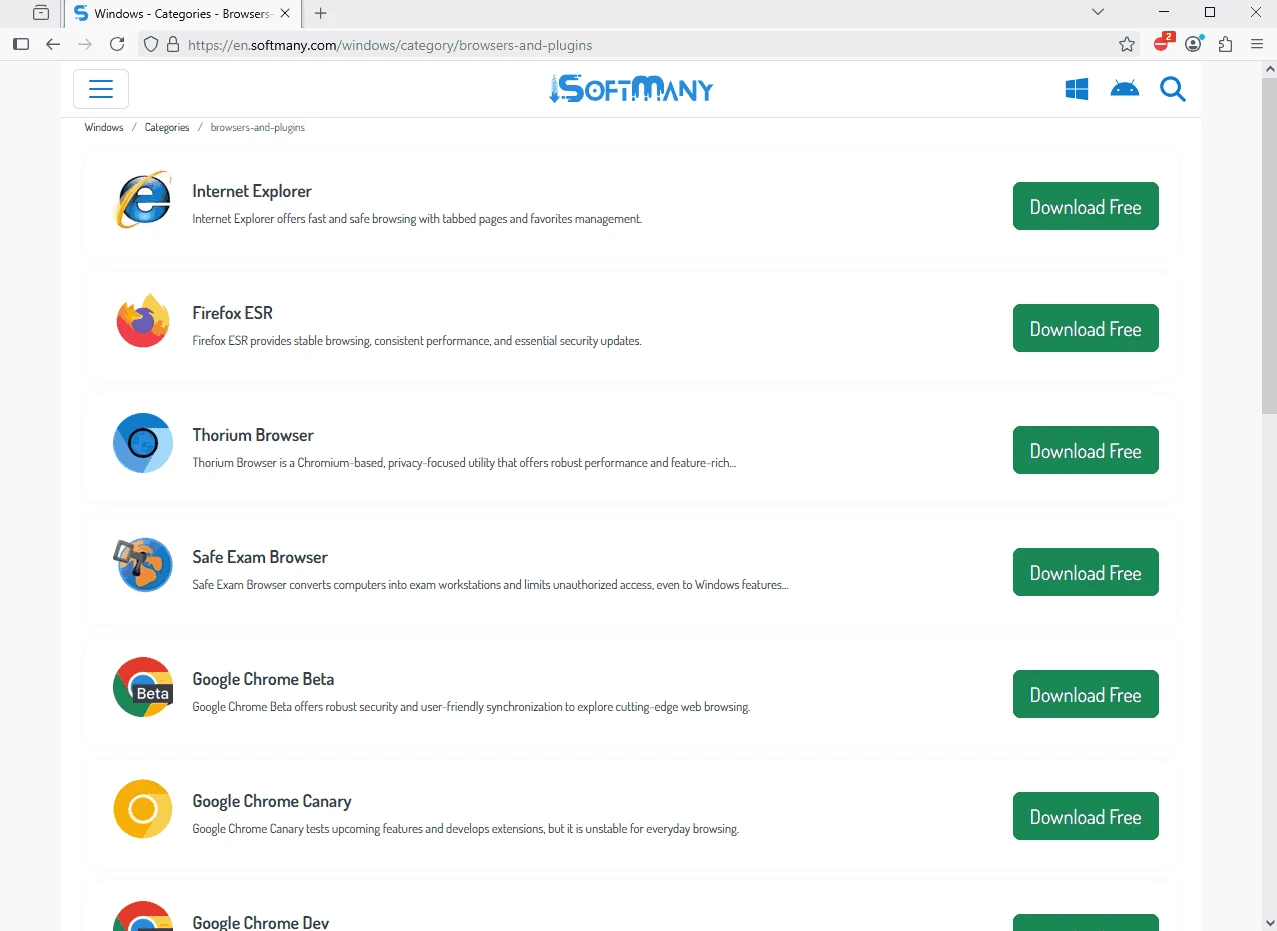
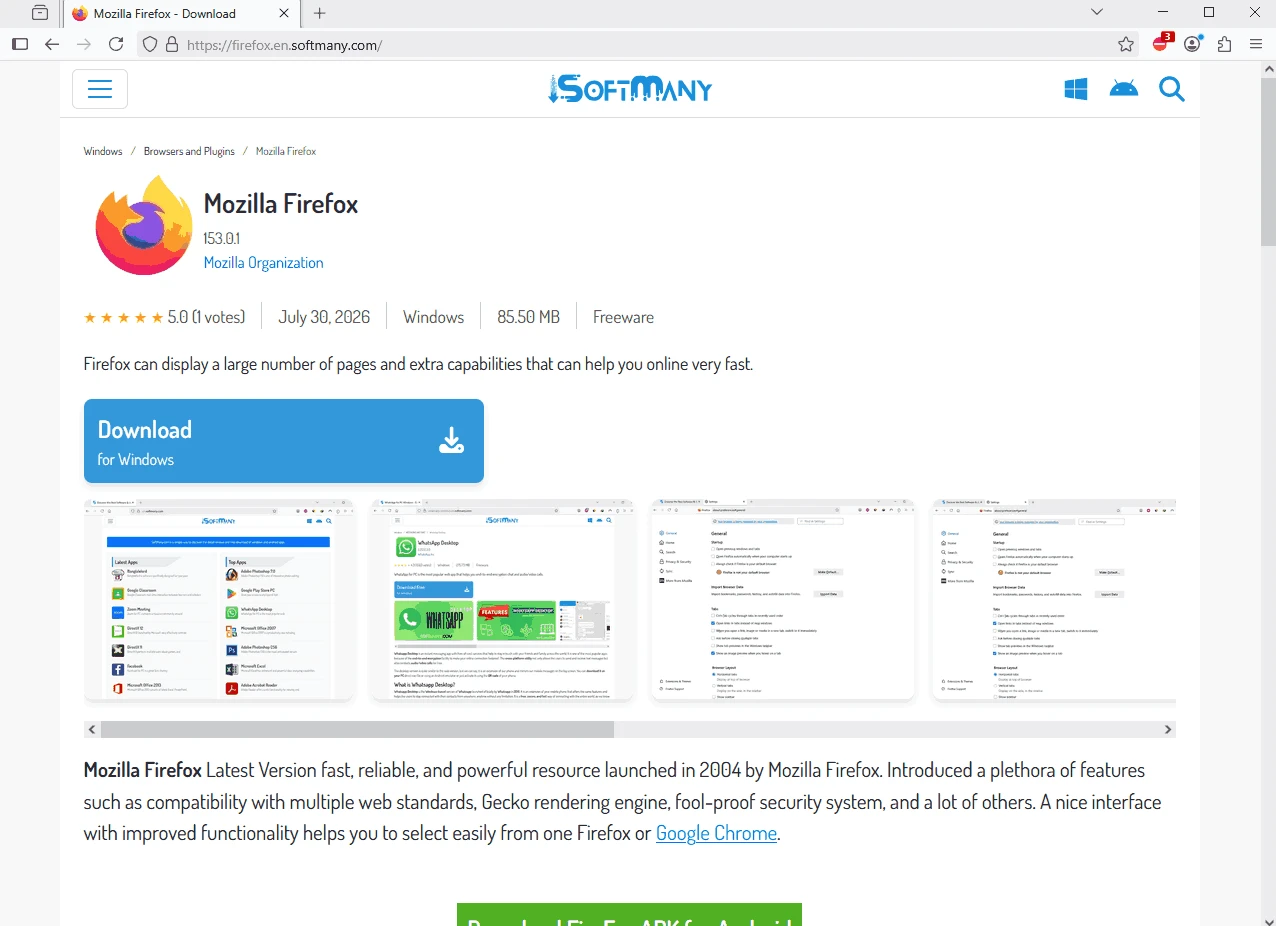
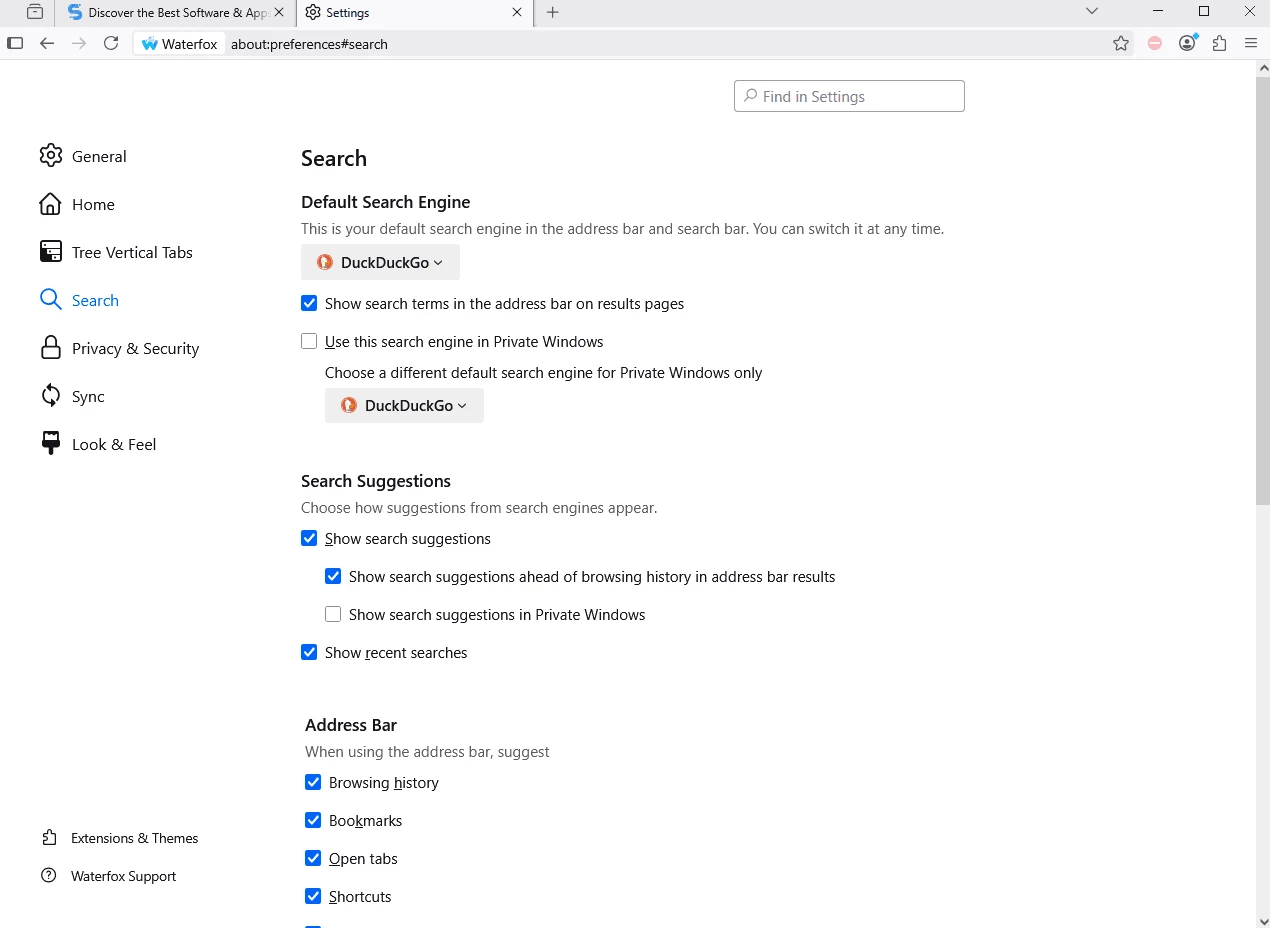
Waterfox is a security-focused web browser based on Mozilla Firefox, offering a lighter, more agile version with both a light theme (Floe) and a dark theme (Abyss). The open-source utility is built exclusively for 64-bit operating systems and utilizes the Gecko engine.
Compared to Firefox for 64-bit programs, Waterfox has compiled multiple optimizations, and as a result, it runs faster and more efficiently. The feature-rich utility with seamless compatibility for Firefox extensions is the best choice for users who are seeking a lightweight yet fastest web browsing experience.
Waterfox, developed by Waterfox Ltd, falls under the Internet category and is a commercial software that is built on the Mozilla Firefox platform. It offers a versatile browsing experience, delivering the fastest speed, optimized privacy settings, and huge customization options. It is available in two versions: Classic and Current.
Waterfox supports only 64-bit operating systems, and based on Firefox is compatible with Firefox extensions. However, you can add extensions from Chrome and Opera as well. It is open-source and free to use, offering multiple privacy-oriented features to make your browsing safe and secure.
The app with lightning-fast speed helps to load pages within seconds, enabling users to quickly access their desired websites. As compared to other similar utilities, the app is lightweight and consumes a very limited amount of memory. It offers a multi-process browser to deliver multitasking efficiency, avoiding the lagging, in case of opening multiple tabs simultaneously, and offers 86% reduced hang time while switching between tabs, regardless of the number of opened tabs. Moreover, no need to go to an additional gaming browser; instead, the app offers an awesome gaming experience with near-native speed, faster ping times, and lag-free performance.
The easy-to-use app with a beautiful design quite similar to Firefox offers a lot of innovative additional features. It enables users to generate tabs and even turn the currently opened tabs into a private environment, enabling users to reliably continue their browsing, instead of starting a new session in a separate window. As compared to other utilities, it offers a more comfortable browsing experience, offering 25 built-in language options without demanding of downloading and installation of external packages or add-ons.
Avoid snooping with controlled and encrypted confidential data within all necessary features. The opened tabs are shareable with all devices that have Waterfox installed, allowing users to manage their favorite bookmarks according to their preferences. The integration with Pocket by Read It Later, Inc. allows users to save their tabs for later use. Moreover, the use history option allows users to view their already visited websites, and the open-source capability enables users to create their own add-ons and tools to share with the community.
Waterfox Private Browsing feature helps to delete your confidential online information, including autofill forms, cookies, history, and passwords automatically, ensuring an untraceable browsing experience. It blocks trackers automatically and prevents users from logging into some websites or ads that can collect user data and also slow down the browsing speed. It also supports the Waterfox Password Manager to manage passwords, enabling users to log in automatically across devices and computers. It is also integrated with Firefox’s Master Password for enhanced security level.
The app with highly customizable capability enables users to make changes according to their preferences. So, you can personalize themes using an extensive theme library, install a huge collection of add-ons and extensions, and also configure settings. The flexibility of the browser tailors an adaptable browsing experience according to your requirements and workflow.
The app offers the System Sync feature, allowing users to sync their browsing data, including add-ons, history, and bookmarks, between multiple devices. So, it is possible to bookmark a page on your computer and get it on another device as well. You need to create an account and enter the same credentials on another computer to easily migrate your bookmarks, browsing history, and even add-ons to multiple devices.
The app was split into two versions, including Classic and Current. The Classic version offers familiar stable technology, but it couldn’t keep compatibility with most services because of fast web development. Whereas the Current version offers modern functionalities, supporting all the changes on the web with uncompromised speed, privacy, and usability.
The app offers support for Firefox-based extensions and add-ons, allowing users to add new functions to their browser. The add-ons are reliably useful to offer services in different scenarios such as entertainment, security, and productivity. So, with the help of these small programs, you can directly download streaming videos, translate text into your desired language, use it for private browsing, etc. No doubt, the app is built on Firefox code that has a huge add-ons library, and it is possible for Waterfox to get a large number of these programs.
Pros
Cons

Safe, fast, and reliable browsing with Google Chrome

Opera offers the best browsing functionalities including built-in VPN, ad-blocker, and Turbo mode.

Fast Browsing with offering Cutting-edge Security and Speed.

UC Browser for PC, the leading mobile browser now available for PCs

Cent Browser is a Chromium-based browser with seamless browsing online

Firefox can display a large number of pages and extra capabilities that can help you online very fast.